- HOME
- Build and Deploy ML Model with Catalyst QuickML
Build and Deploy ML Model with Catalyst QuickML
- Last Updated : February 4, 2026
- 108 Views
- 3 Min Read

Hello everyone!
Here’s the next post in our Know Catalyst series where we uncover how Catalyst services make development simpler and faster.
If you missed our first post on Slate and effortless frontend deployment, do check it out!
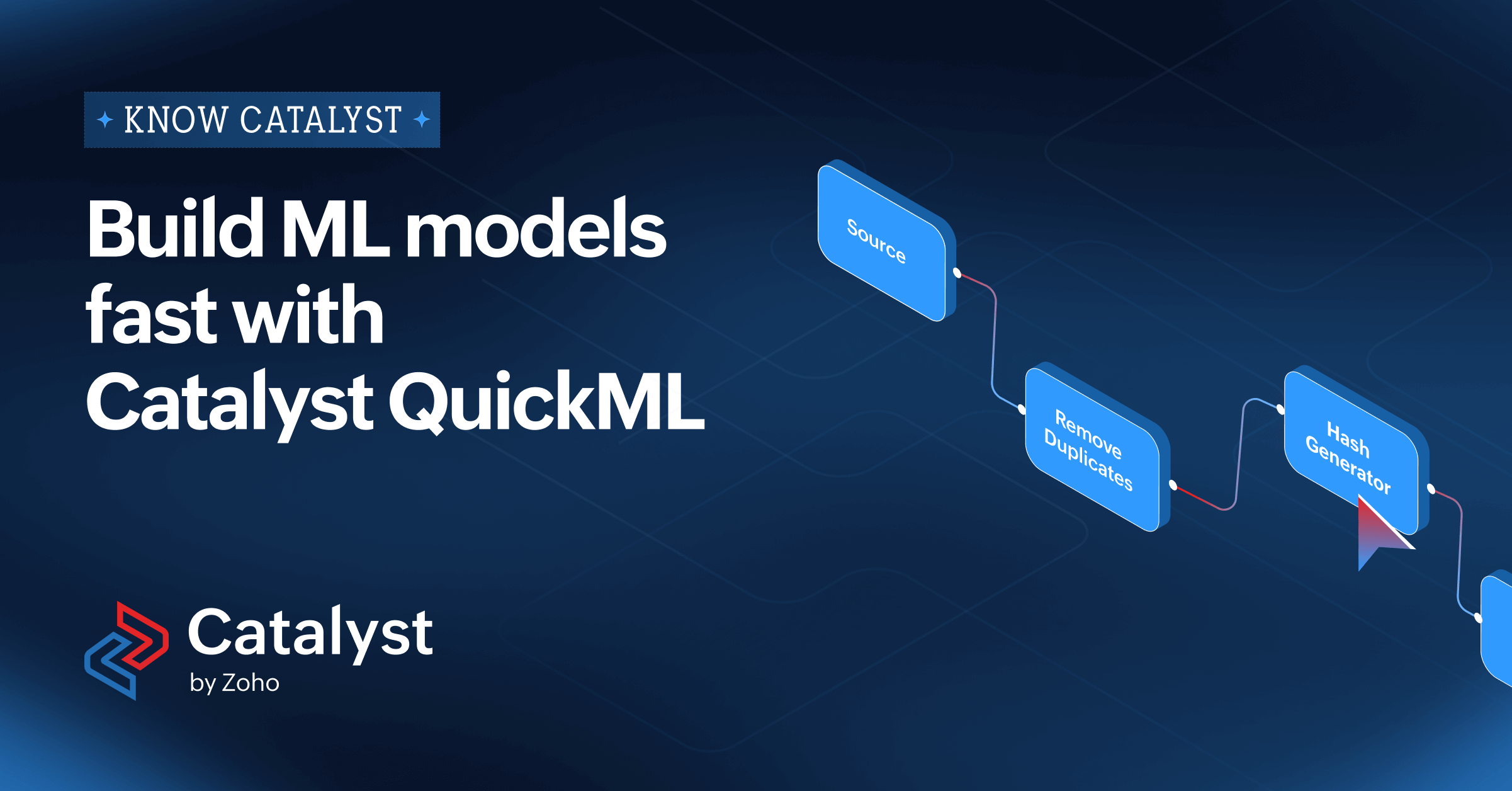
Today, we’re diving into Catalyst QuickML, a no-code ML pipeline builder that streamlines everything from preprocessing to deployment.
Remember Andrew Ng’s ML course?
Ten minutes in, thought machine learning was easy… until we actually tried it. Hours of reading papers, watching tutorials, and coding loops later, ML reveals itself as a maze of puzzles, and every dataset has its own mood swings.
Here’s the truth, building ML model sounds fun, until you’re the one actually doing it.
1. The “Perfect Dataset” Illusion
- We think we have good data until we start cleaning it. Then you realize half the rows are missing, the labels are inconsistent, and someone stored “N/A” as “nanana.”
- You tell yourself, “It’s fine, I’ll fix it.” Six hours later, you’re knee-deep in Pandas errors, wondering if CSVs were designed just to give us headaches
2. The “My Model Hates Me” Phase
- You try Random Forest.Then XGBoost.Then you whisper to the model, “Please just overfit a little, I won’t tell anyone.”
3. The Explainability Paradox
- You thought training was the hard part? Wait till you deploy.Locally, your model’s a genius.
In production, it starts hallucinating like it just woke up from a bad dream.“Did you feed it the same data?” — “…I think?”
Here’s how Catalyst QuickML comes to the rescue
QuickML is your no-code ML pipeline builder that quietly does all the heavy lifting. Right from preprocessing till deployment.
What it brings to your dev desk:
- Automated Pipelines: Handles data prep, training, and deployment, you just bring the ideas.
- Freedom to Experiment: Play with ready-made algorithms or plug in your own.
- Seamless Integration: Works effortlessly with other Catalyst services or even external apps and more.
QuickML Can Be Used for a Wide Range of AI Use Cases:
- Healthcare: Tailor treatments by grouping patients based on genetics and response.
- Real Estate: Predict property values and market trends for smarter investments.
- Retail & Supply Chain: Forecast demand to optimize inventory.
- Autonomous Vehicles: Detect pedestrians, vehicles, and road signs in real time.
- Fraud Detection: Spot suspicious transactions instantly in banking/fintech.
- Predictive Maintenance: Predict machinery failures using sensor and maintenance data.
- Security: Read and classify license plates for surveillance.
- Legal Automation: Analyze contracts with LLMs to flag risks and compliance issues.
Now Introducing: Two Power Moves in QuickML
- LLM Serving : Deploy large language models directly into your applications using simple API endpoints.
Fine-tune responses, switch models, and optimize performance — no infra, no chaos, just clean serving. - One-click RAG (Retrieval-Augmented Generation) : Give your LLMs real context from your own data.
Upload documents, ask questions, and get smart, context-aware answers.
QuickML handles retrieval, ranking, and context injection in the background, no vector DB setup needed
Honestly…
Building models shouldn’t require emotional recovery time.
QuickML is that quiet, capable co-worker who fixes data leaks, serves LLMs, and even explains your predictions.
So here’s to every developer who’s whispered “why me” to a failing model - QuickML heard you
Build & Deploy ML Models with QuickML - Docs, Templates & Examples
QuickML Help Doc – https://docs.catalyst.zoho.com/en/quickml/
Cookbook Recipes – https://catalyst.zoho.com/cookbook/
Example Projects– https://docs.catalyst.zoho.com/en/tutorials/
CodeLib Templates - https://catalyst.zoho.com/code-lib.html